Give your team a collective brain.
Bring scattered ideas, conversations and documents into pages your whole team can build on and trust.
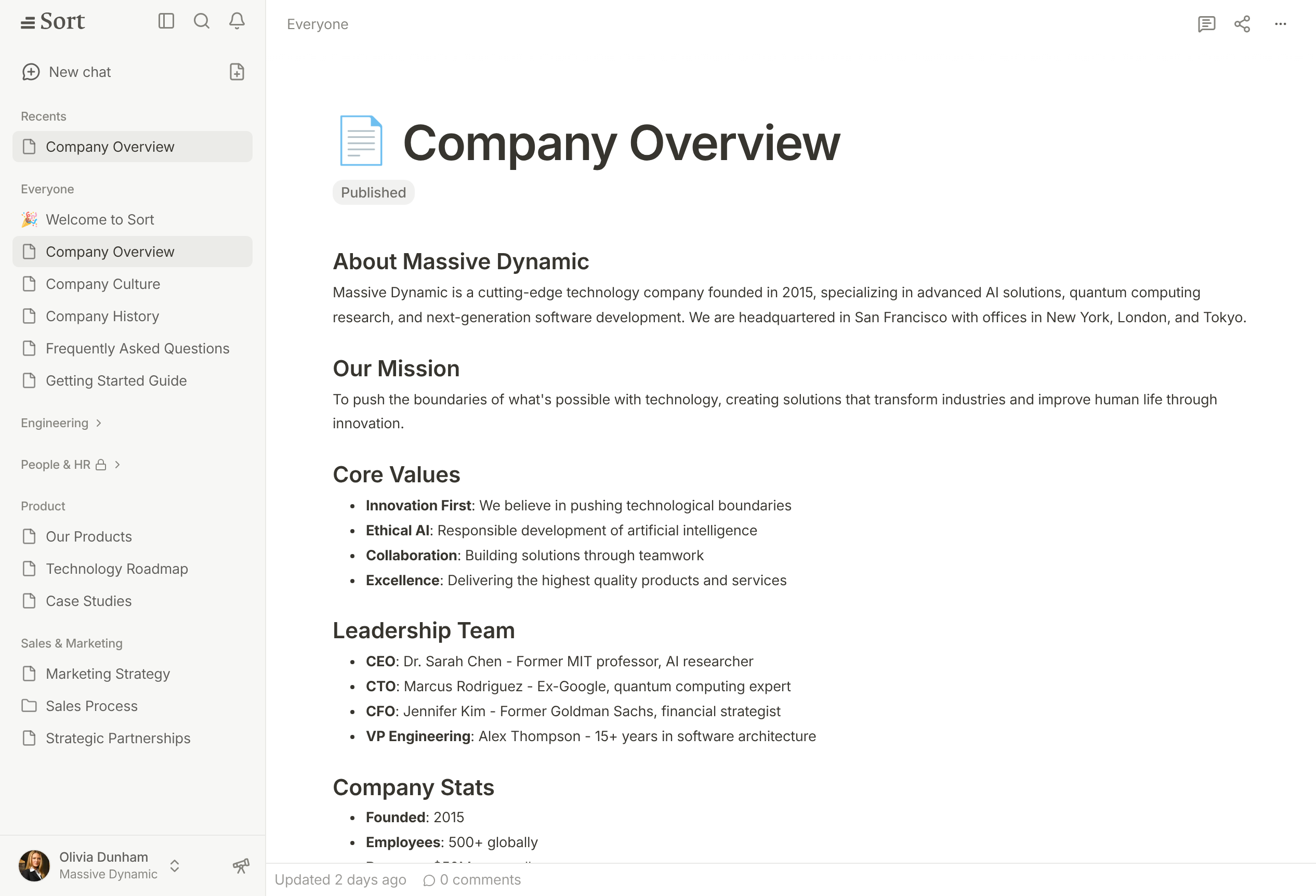
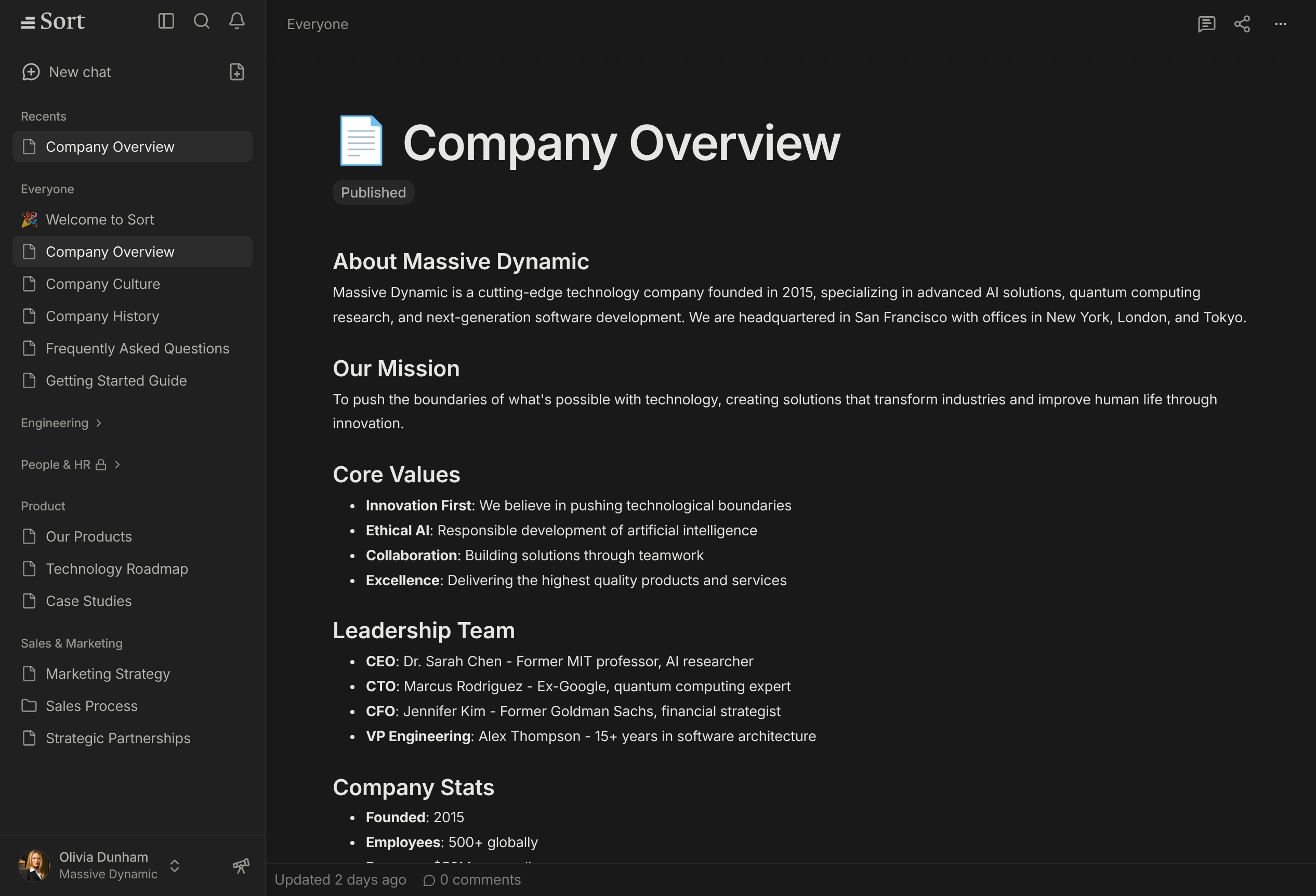
Knowledge that gets better with use.
Verified and auto-checked pages
People verify the pages they own. Every week, Sort AI checks auto-checked pages against your other pages and asks the right person when it finds a conflict or an old fact.
Answers from your workspace
Ask a question and get an answer from your team’s pages and conversations, limited to what you can access.
Write together
Edit, comment and discuss in the same page, in real time.
Works with your AI apps
Connect AI apps and coding agents through MCP or the command line, with your permissions.
“Having everything in a single workplace completely changed how we work. Sort brings it all together into pages where our team actually collaborates.”

Hayri Demirçapa
Co-Founder & CPO, Flowspace
One plan. AI included.
Up to 10 members, then $12 per member. No tokens or credits.
$199USD / month
See pricingQuestions
Read the full FAQWhat is Sort?
Sort is your team’s collective brain. It keeps your documents, conversations, and knowledge in one place, with AI that answers questions and keeps your documents up to date as your work changes.
How do I get started with Sort?
Create your workspace at https://trysort.com/app/signup with your Google account or your email address. It takes a minute: name your workspace, set up your profile, and invite your team. Every new workspace starts with a 7-day free trial, and you don’t need a card. If you’d like help setting up or moving your knowledge over, email hello@trysort.com and we’ll do it with you.
How does pricing work?
Sort has one plan: $199 USD a month for up to 10 members, then $12 a month for each extra member. Pages, AI, chat and storage are included, with models from OpenAI, Anthropic and Google. There are no tokens, credits or usage charges. Pay annually and you get 2 months free. For 150 members or more, or for custom needs, email hello@trysort.com.
What does Verified mean on a page?
The page’s owner, or a teammate your workspace allows, confirmed that the page is right. Everyone sees who verified it and when, and whether it changed since. Pages that must stay true, such as policies and procedures, are checked again every few months, as your workspace chooses; records such as decisions and meeting notes are not. When a check is due, the page shows Outdated until someone verifies it again. Sort AI prefers verified pages in its answers.
What can Sort AI do?
Ask it to find an answer, explain a decision, summarize your research, draft a brief, or improve a page. Sort works with your team’s knowledge and can create and update pages as part of the work. Its embedded agents also help look after your knowledge: they check auto-checked pages every week and ask the right person when something changed. Give it a goal and see where it can take the work.